"My app Lovable works, but are my data protected?" That’s the first question I ask when someone shows me an AI-generated application, and the answer is often: nobody checked. Lovable, Bolt, and most similar tools store your data in Supabase, a well-built database with one quirk: by default, a table can be readable by anyone who knows your app’s address.
This isn’t a rumor. In May 2025, a vulnerability was published under the name CVE-2025-48757: sites generated by Lovable allowed anyone to read and modify their tables without an account due to insufficient access rules. Lovable responded that data protection remains the responsibility of each client. In other words, it’s up to you to check.
Here’s how to do it in ten minutes, without being a developer, and what to do if the results worry you.
What Row Level Security does, in plain terms
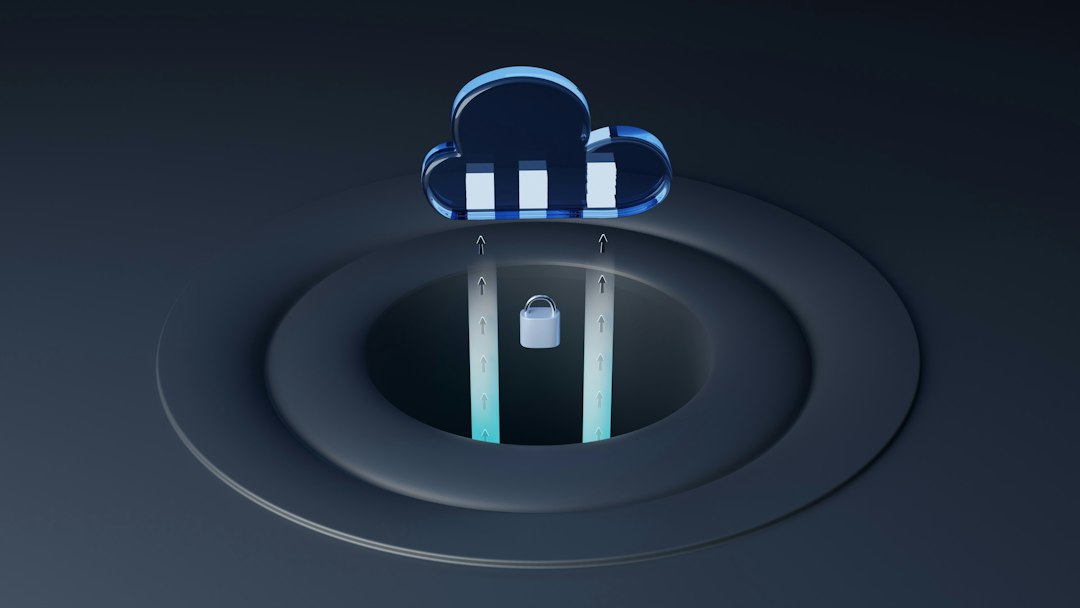
Supabase exposes your database directly to your application through a so-called ‘public’ key that everyone can see in the browser. That’s normal—that’s how the tool works. What prevents strangers from reading your clients’ records isn’t this key: it’s the access rules set on each table, which Supabase calls Row Level Security, or RLS.
For example, a rule might say: ‘A logged-in user only sees rows where the ‘owner’ column holds their ID.’ Without rules, Supabase’s documentation is clear: a table exposed without RLS is readable and modifiable by any role with access, including the public role used by your application.
The issue with AI-generated apps is that these rules are often forgotten or written too broadly to ‘just work’ during a demo. Everything functions, the screens look great, and the door is left open.
Checking in ten minutes
You’ll need access to your Supabase project (Lovable takes you there from the project settings, or you created it yourself).
1. Open the Supabase dashboard, then go to the section listing your tables. Each table shows whether RLS is enabled or not. A table marked as unprotected containing names, emails, or orders is the first red flag.
2. Review the rules for each protected table. Enabling RLS isn’t enough: you need rules. A rule allowing everyone to read everything, added ‘to make it work,’ is just as bad as having no rules at all.
3. Test the ‘unknown user’ scenario. Open your app in a private browsing window without logging in. If other people’s data appears, or if a restricted screen shows up anyway, there’s no protection in place.
4. Look for keys that shouldn’t be there. In Supabase settings, there is a so-called service key that bypasses all rules. It must never be found in the application's code. If you see this key in a browser-side configuration file, consider it compromised.
Ten minutes are enough to know if you have a problem. Fixing them takes a little longer.
What I fix when the database is open
On the same day, I lock the door: RLS enabled on every table, and rules that only allow the row owner or the role that needs access to pass through. Then, I verify with two different accounts that one never sees the other’s data, and I write this test to run with every update.
If a service key was lingering in the code, I renew it and move everything using it to the server side. If data could have been read by strangers, I’ll write it to you in black and white, along with what GDPR requires in this case: informing the affected individuals and, when the risk is real, reporting the incident to the CNIL within 72 hours.
This is the first step in reviving an AI-built application: securing it, which usually takes three to seven days before addressing any functional bug.
A concrete example
Let’s imagine Karim, who manages a small climbing gym and built with Lovable a member space: sign-up, time slot booking, activity history. Everything works. While running the unknown-user test, he discovers that the member list—with their emails and birthdates—loads even without logging in.
The fix takes one day: access rules per member, a reception role that sees everyone, and an automated test that checks both. The application doesn’t change by a pixel. But the day a member asks, ‘Who can see my data?’, Karim has an answer.
And Bolt, v0, Cursor?
The mechanism is the same: these tools also rely on Supabase or a comparable database, and access rules are just as often missing. The verification above applies to all of them. Only the way to reach the database dashboard changes.
Frequently Asked Questions
Is the public key of Supabase visible in my application a problem?
No, it’s meant to be visible. What matters is that the tables behind have access rules. The key you must never expose is the service key.
Can Lovable fix this on its own if I ask?
It can add rules, but without understanding your business, it often writes them too broadly, and nothing verifies they hold after the next fix. That’s exactly what I review and test.
How much does it cost to secure a Lovable application?
The audit is free. Full security setup (access rules, keys, backups, accounts, and permissions) ranges from 900 to 1,500 € as a flat rate, over three to seven days. Full pricing is on the AI application recovery page.
Should I stop my application to check it?
No. Checking doesn’t affect anything. If the database is open, closing it takes a few hours and happens without disrupting the service.
Should I check yours?
If you don’t want to perform these checks yourself, send me your application’s address. I’ll review the database, rules, and keys, and you’ll receive a written initial assessment within 48 hours, free of charge. You can also start with the 8-question test, which tells you in two minutes where you stand.