13 October 2026
Joomla 6.2.0, the current release
Joomla 6 came out on 14 October 2025. Version 6.2.0, published on 13 October 2026, is its latest release: the target of any update.
Source: Joomla, Joomla 6.2 announcementYour result
The result says whether the site runs on Joomla, which version it uses, whether its PHP version is enough for Joomla 6, what the template and extensions need, and where to start.
Not sure? Send me your site address, and within 24 hours I tell you which version it uses, what blocks it and where to start. Free, no commitment.
Send my site address How the Joomla update goes, and its pricesAlso check HTTPS, mobile, e-mails and legal notice: test my websiteRather have me handle it? Move to Joomla 6 and PHP 8.3, done remotely after a backup and a test on a copy, without changing how the site looks. Free diagnosis, upgrade from €190, reply within 24 hours.
See the offer and pricesWebsite looking dated? Showcase website redesign from €1,500. A clear, fast website, well ranked on Google, built on up-to-date tools and easy to edit yourself. Free fixed-price quote, reply within 24 hours.
Talk about my website redesignJoomla 3 has had no fixes since 2023, Joomla 4 since 14 October 2025, and Joomla 5 stops on 12 October 2027. Joomla 6 requires PHP 8.3, and PHP 8.2 stops on 31 December 2026. Enter your site address: the tool reads the Joomla version in the public files of the core, the PHP version when the server shows it, the template and the extensions visible on the home page, then tells you where you stand and in what order to move forward.

Tool built by Léo Guillaume, freelance developer near Rennes, France. I update Joomla and WordPress sites and business software for small businesses, freelancers and non-profits, remotely, and I reply within 24 hours.
Updated on
Dates to know
The dates come from the Joomla project and php.net, re-read on 9 November 2026. A version “without fixes” still displays normally: it simply no longer gets repaired when a flaw is found.
13 October 2026
Joomla 6 came out on 14 October 2025. Version 6.2.0, published on 13 October 2026, is its latest release: the target of any update.
Source: Joomla, Joomla 6.2 announcementUntil 16 October 2029
Joomla 6 gets bug fixes until 17 October 2028 and security fixes until 16 October 2029. Joomla 5.4 gets security fixes until 12 October 2027, then nothing.
Source: Joomla, version roadmap14 October 2025
Version 4.4.14, from 30 September 2025, is the last Joomla 4 release; its support ended on 14 October 2025. A flaw found since then stays open on a Joomla 4 site.
Source: Joomla, releases 5.3.4 and 4.4.1417 August 2023
Joomla 3 got its last release, 3.10.12, in July 2023, and its support ended on 17 August 2023. The project then sold eighteen months of security fixes, until 17 February 2025. Nothing since.
Source: Joomla Magazine, July 2023PHP 8.3 minimum
Joomla 6 requires PHP 8.3 at least (8.4 recommended) and a MySQL 8.0.13 or MariaDB 10.4 database at least. Joomla 5 requires PHP 8.1 at least. On old hosting, the database can block the update: check with your host.
Source: Joomla, technical requirements31 December 2026
PHP 8.2 gets no fixes after 31 December 2026, PHP 8.3 after 31 December 2027 and PHP 8.4 after 31 December 2028. PHP 8.1 and older versions already get none.
Source: php.net, supported versionsWhat I do for you: I back up the site off the server, copy it to another address, take every step up to Joomla 6 and PHP 8.3 on the copy and fix what breaks without touching the look. Then I do the same on the live site and write down what was done. Remotely, free diagnosis, price given before any work.
The schedule
Each major version is supported for a few years, then stops. Here is where each one stands on 9 November 2026, with its latest release.
| Version | Support on 9 November 2026 | Latest release |
|---|---|---|
| Joomla 6 | Bug fixes until 17 October 2028, security fixes until 16 October 2029 | 6.2.0Published on 13 October 2026 |
| Joomla 5 | Security fixes until 12 October 2027 | 5.4.10Published on 13 October 2026 |
| Joomla 4 | No fixes at all since 14 October 2025 | 4.4.14Published on 30 September 2025 |
| Joomla 3 | No fixes at all since 17 August 2023 (17 February 2025 with the paid extended support) | 3.10.12Published in July 2023 |
Bug fixes until 17 October 2028, security fixes until 16 October 2029
Published on 13 October 2026
Security fixes until 12 October 2027
Published on 13 October 2026
No fixes at all since 14 October 2025
Published on 30 September 2025
No fixes at all since 17 August 2023 (17 February 2025 with the paid extended support)
Published in July 2023
And PHP? Joomla 6 requires PHP 8.3 at least, and PHP 8.2 gets no fixes after 31 December 2026. A Joomla 5 site on PHP 8.2 therefore has two updates ahead: doing them together saves going back over it twice.
Before updating
Updating the core takes a few minutes. The time goes elsewhere: here is what I look at first, on a copy of the site.
A template custom-made years ago has nobody left to update it: it gets adapted by hand, or replaced while keeping the look. Cassiopeia, the template shipped with Joomla 4 and later, follows the updates.
A form, a gallery or a module installed ten years ago by a publisher that is gone blocks or breaks the update. The ones no longer in use get uninstalled, the others replaced.
Joomla 6 requires PHP 8.3. A template or an extension written ten years ago produces warnings, then errors, with recent PHP versions: they get fixed one by one, with no difference for visitors.
Joomla 6 requires MySQL 8.0.13 or MariaDB 10.4 at least. On old hosting, the host updates it, or the plan has to change.
Backups scheduled years ago, stored on the same server and never tested, protect nothing. Before touching the site: a full backup, restored once, stored elsewhere.
They bring in the requests, and they are the ones people forget to test. After each step, I send a real message through each form and check that it arrives.
In order
The same order whatever the starting point, according to the official Joomla guides: one major version at a time, never two at once.
Files and database, downloaded to a computer or sent to external storage, and restored once to check that they work.
The same site, at a separate address, where anything can break without any visitor seeing it. Every next step happens there first.
The latest release of the branch first (3.10, 4.4 or 5.4), then the pre-update check in the administration, then the next version. PHP follows along the way, at 8.3 before Joomla 6. From 5.4 to 6, the official guides speak of an update, not a migration.
Forms, pages, addresses, e-mail sending: everything is checked on the copy. Only then the same steps on the live site, with a fresh backup, and a written report.
Frequently asked questions
In the site administration, whose address ends with /administrator. On Joomla 3, the version shows at the bottom of the page; on Joomla 4, 5 and 6, open System, then System Information, which also gives the PHP and database versions. Without access, this tool reads it in the public files of the site, when they are not blocked.
Because the site blocks the public files that carry the version number, with a security extension or a server rule. It is good practice: the version is then read in the administration, System, then System Information.
No. The official path goes through 3.10, then 4.4, then 5.4, then Joomla 6, with the pre-update check each time. On a test copy, the steps can follow one another in the same day. When the template and extensions are too old, rebuilding the site on Joomla 6 while keeping its texts and addresses is sometimes less work.
Yes, until 12 October 2027, provided you are on the latest 5.4 and on a PHP version that still gets fixes. As Joomla 6 requires PHP 8.3 and PHP 8.2 stops on 31 December 2026, doing both updates together makes sense.
Because it has had no security fixes since 17 August 2023, or since 17 February 2025 with the paid extended support, and it usually runs on a PHP version that has no fixes either. A site that displays is not a protected site: a flaw found today will never be fixed.
Cassiopeia, the template shipped with Joomla, follows the updates. A bought template (Helix Ultimate, YOOtheme Pro…) moves over if its publisher has released a Joomla 6 version: install it first. A custom-made template gets tried on a copy: it may need some fixes, sometimes a full rework, without changing how the site looks.
For PHP and the database, yes: the switch is made in their client area. For Joomla, the template and the extensions, no: that is up to you, the agency that built the site, or a developer who knows Joomla.
It depends mostly on the template and the extensions. With me, a simple version upgrade costs €190 (backup, test on a copy, Joomla 6 and PHP 8.3, written report), and €390 when a custom-made template also has to be adapted or extensions replaced. For a Joomla 3 site, the price is given after a free diagnosis.
It reads the home page once, as a browser would, then at most five small public files: the version file of the Joomla core, three language files when that one is blocked, and the administration login page for the PHP version, when the server shows it. It recognises Joomla, its version, the template and the extensions loaded by the home page. It logs in to nothing, tries no password and keeps the result ten minutes in cache. It cannot see extensions that load nothing on the home page, nor the database version, nor changes made to the template: only a check from the inside settles it.
Blog
The full guide to moving to Joomla 6, the end of PHP 8.2 on 31 December 2026, and what hosts do with old PHP versions.
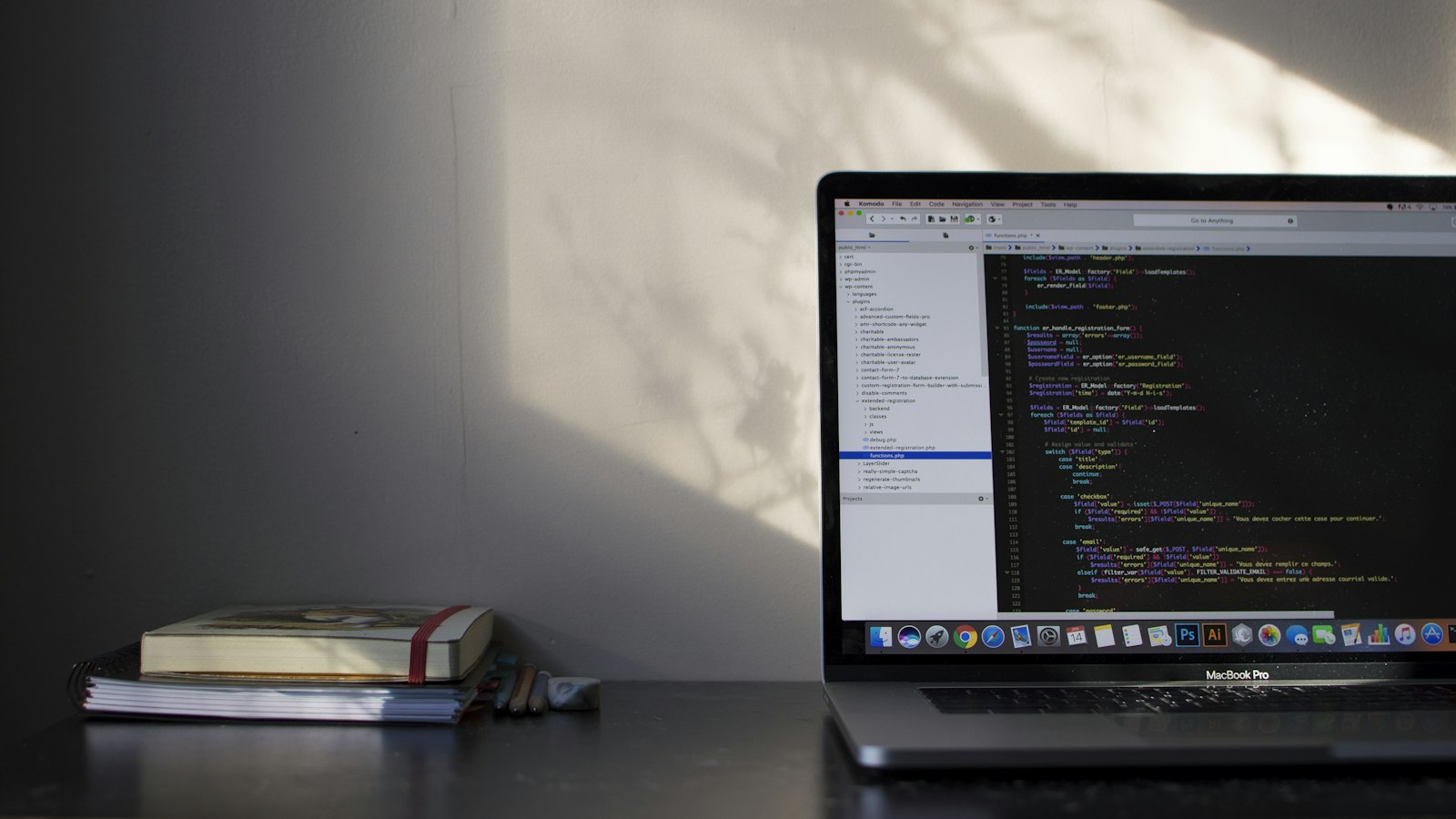
Joomla 3 and 4 are no longer supported, and Joomla 5 will reach end-of-life in October 2027. Learn the correct order to upgrade to Joomla 6 and PHP 8.3, what may break on an outdated site, and the associated costs—with a real-world upgrade story included.

After December 31, 2026, PHP 8.2 will no longer receive security patches. Verified dates from php.net, recommended versions from 8 hosting providers, and 4 steps to migrate.
Your hosting provider is phasing out PHP 7.4, 8.0, or 8.1. Here’s the step-by-step guide for your WordPress or Joomla site, what may break during the PHP 8 upgrade, and who can handle the update for you.
Two critical vulnerabilities in PHP were patched on October 21, 2026. Are your WordPress sites, PrestaShop or WooCommerce stores, custom applications, or internal networks at risk? Learn who is impacted, what your hosting provider is doing, and what actions you should take today.
Send me the site address. Within 24 hours I tell you which version it uses, what blocks it and what the move to Joomla 6 costs. Free diagnosis, price given before any work.