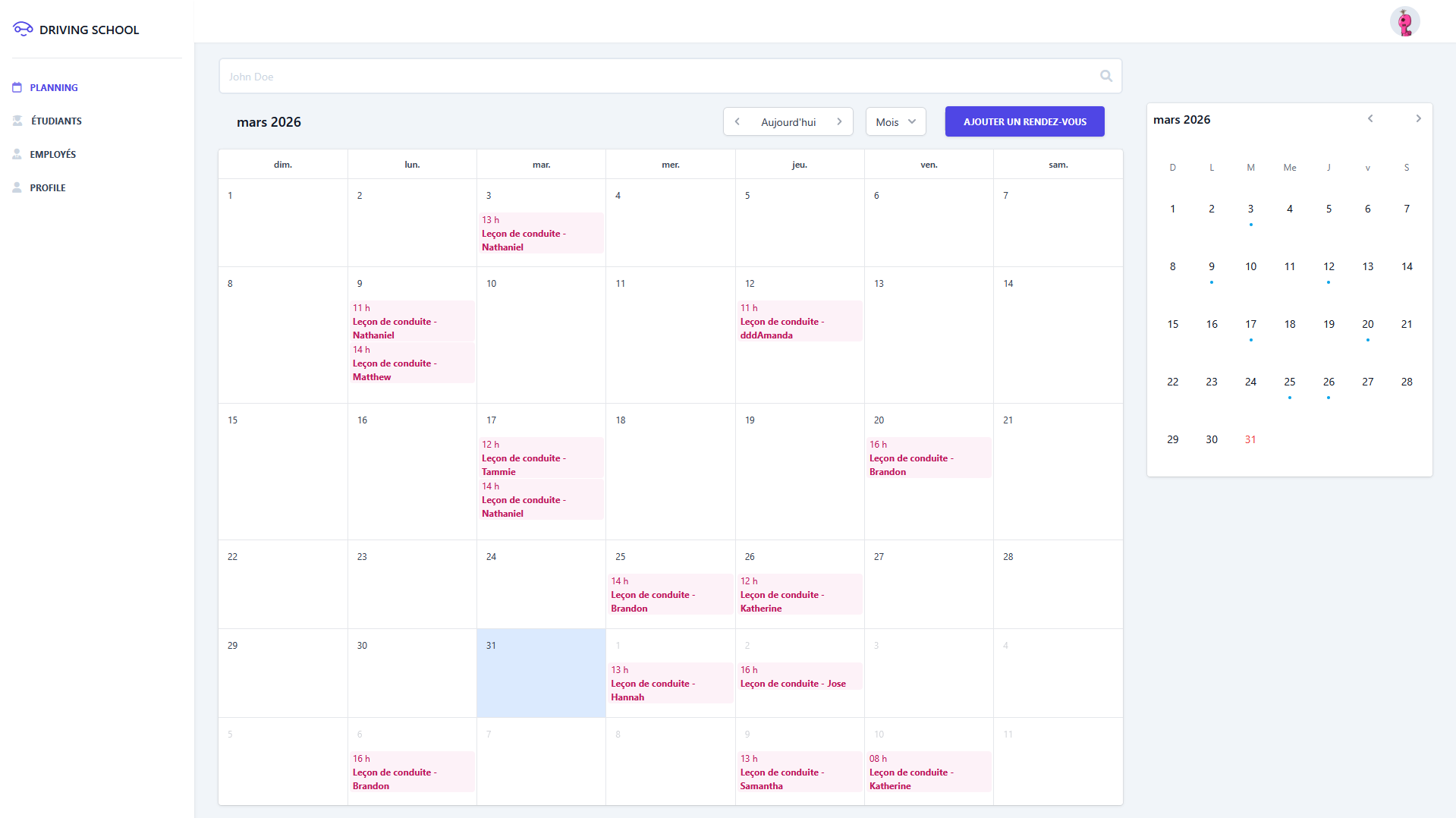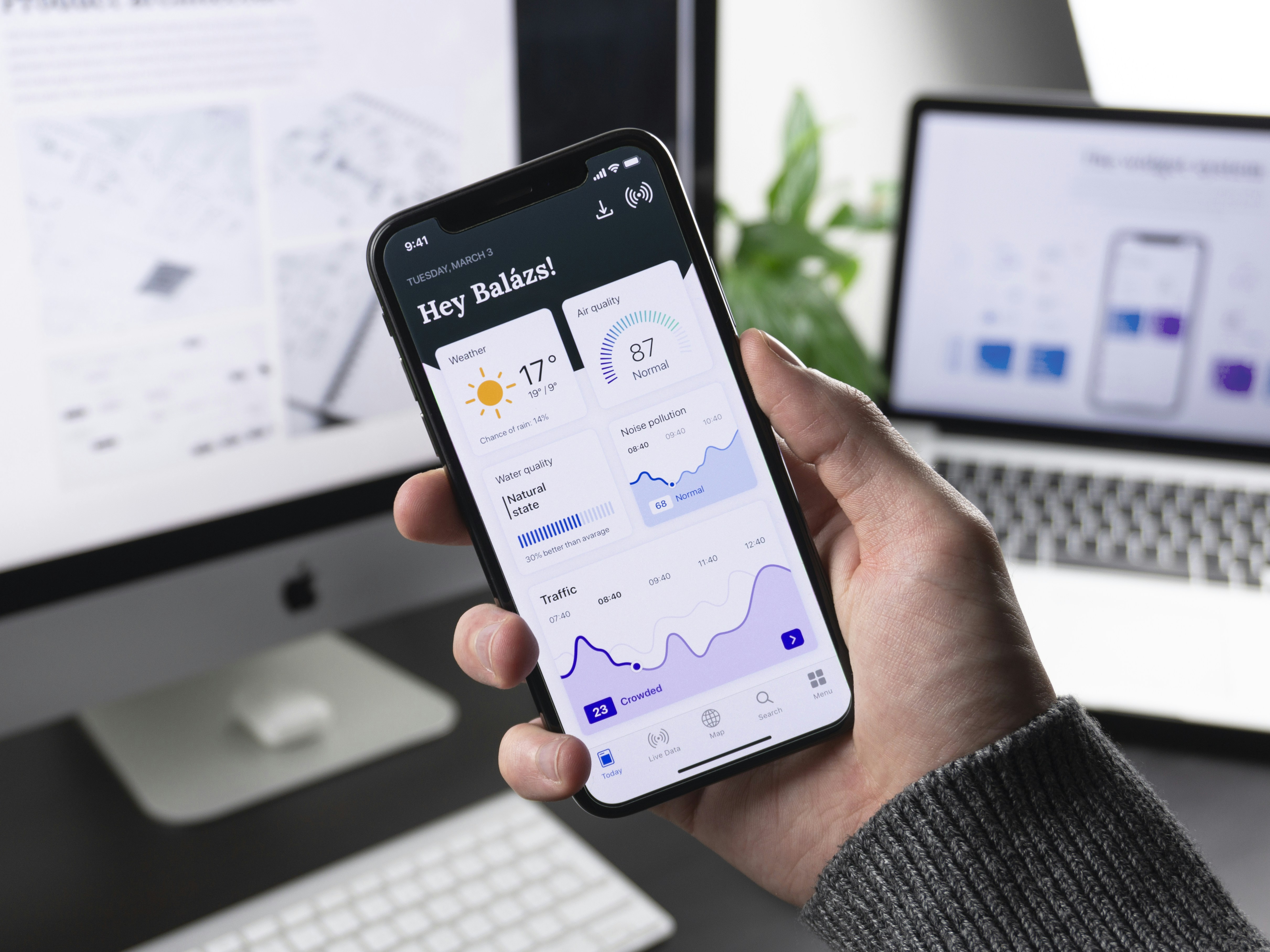
"We need an app." I hear this often, and it’s almost always a good intuition poorly expressed. Behind it lies a real need: technicians filling out forms on paper in their van, customers who would like to book via their phone, a team that wants to see the schedule without turning on a computer.
The question isn’t really "Do we need an app?" It’s "What kind of app, for whom, and how much will it cost?" I’m an independent developer in Saint-Erblon, just south of Rennes, and here’s how I frame the discussion with the businesses that reach out to me.
The three ways to create a mobile application
Before talking price, we need to know what we’re building. There are three main categories, and the choice determines everything else.
The installable web app (also called a PWA). It’s a website that behaves like an app: you add it to your phone’s home screen, it opens in full-screen mode, and it can work with a weak connection. No need for the App Store or Google Play, and just one version for iPhone, Android, and computers. The backend of my own website works this way: it installs on an iPhone or iPad like any other app.
The multiplatform app. One codebase, published in both stores. It accesses phone features better (camera, notifications, advanced offline mode). I often use Tauri, which lets me release the same code as a Windows, Mac, iOS, and Android app.
The native app. An app written specifically for the iPhone and another for Android. It’s the most performant, but also the most expensive, since you develop and maintain two versions.
For most SMEs, the first or second option is more than enough. A native app only makes sense for highly demanding use cases, rarely for a business tool.
App for your customers or for your team?
This is the second question—and it matters just as much as the technical choice.
An app for your customers must be flawless: they’ll compare it to the apps they use every day. You’ll also need to promote it, or no one will download it. Often, a well-designed website that works perfectly on mobile—with booking or a customer portal—does the same job without requiring installation.
An app for your team is often the best investment. Your employees install it once, use it daily, and every minute saved adds up hundreds of times. Work orders, time tracking, inventory, construction site photos, client signatures on screen—this is where an app truly transforms daily life.
At Kodeva, I worked on a customer service app for technicians, with offline mode for areas with no network. I discuss it in detail in this article on tracking service calls even without network.
The steps to create a mobile app
A project always unfolds roughly in the same way, and breaking it down prevents unpleasant surprises.
1. Understand the need. We start from the real daily life of those who will use it, not from a list of features. A phone or video call exchange is enough to get started.
2. Design the layout. I sketch the main screens before writing a single line of code. We refine the layout—it’s free at this stage.
3. Develop an initial version. We start with what’s used daily. The rest can wait for the first feedback.
4. Test with real users. Two or three people from your team use it for a week. That’s when you discover buttons too small for gloved fingers.
5. Publish. On app stores if needed, or as a simple download link for a web app.
6. Evolve it. An app lives on: new phone versions, new team requests.
How much does a mobile app cost in Rennes?
The price mainly depends on the number of screens, connections to your other software, and the type of app you choose. To give you an honest benchmark: a simple mobile app starts at €3,500 as a package, while a full-fledged business tool, including its backend, usually ranges between €5,000 and €15,000. Maintenance then costs between €100 and €300 per month.
You also need to budget for store fees if the app is published there: Apple charges an annual developer account fee, while Google requires a one-time payment upon registration. A web-based installable app does not incur these fees.
You can estimate your budget with a few questions on my page custom business application. The exact price is always set in the quote before we begin.
For the server side and the back office that often come with a mobile app, my article on the price of custom software gives the ranges of 14 providers.
Why hire a developer near Rennes if everything can be done remotely?
Honestly, I work remotely with all my clients, whether they're based in Rennes or elsewhere: calls, video conferencing, and screen sharing are enough. What matters is having a single point of contact—the person who writes the code—from the first exchange to maintenance. No project manager between you and the developer, no lost messages along the way. If you're torn between hiring a freelancer or an agency, I’ve written an article on how to choose between a freelancer and an agency in Rennes.
You can see examples of similar projects I’ve completed in the mobile apps section of my portfolio.
Frequently Asked Questions
Do I have to go through the App Store?
No. A web-based installable app can be added to your home screen without going through the stores. This is often the simplest solution for an app meant only for your team.
Can the app work offline?
Yes, if we plan for it from the start. Data is stored on the phone and sent when the connection is restored.
How long does it take to deliver a first version?
A few weeks for a simple but useful tool. Additional features are added based on feedback afterward.
Who owns the app?
You do: the source code, store accounts, and data are in your name.
Let’s talk about it?
If you think an app could save your team or your clients time, tell me who would use it and when in the day. We can discuss it over the phone or video call, and I’ll provide a written action plan: the right type of app, what to prioritize, and a rough budget estimate. If a mobile-friendly website would suffice, I’ll let you know.